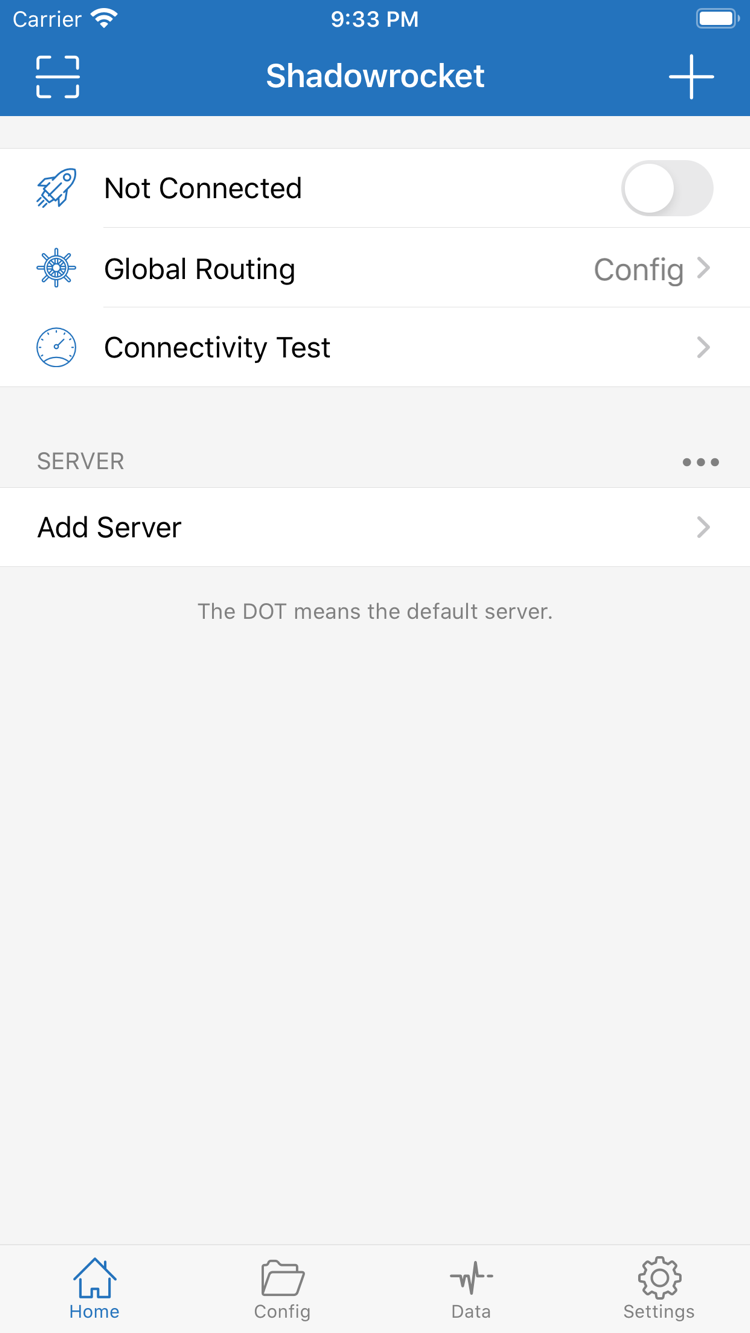
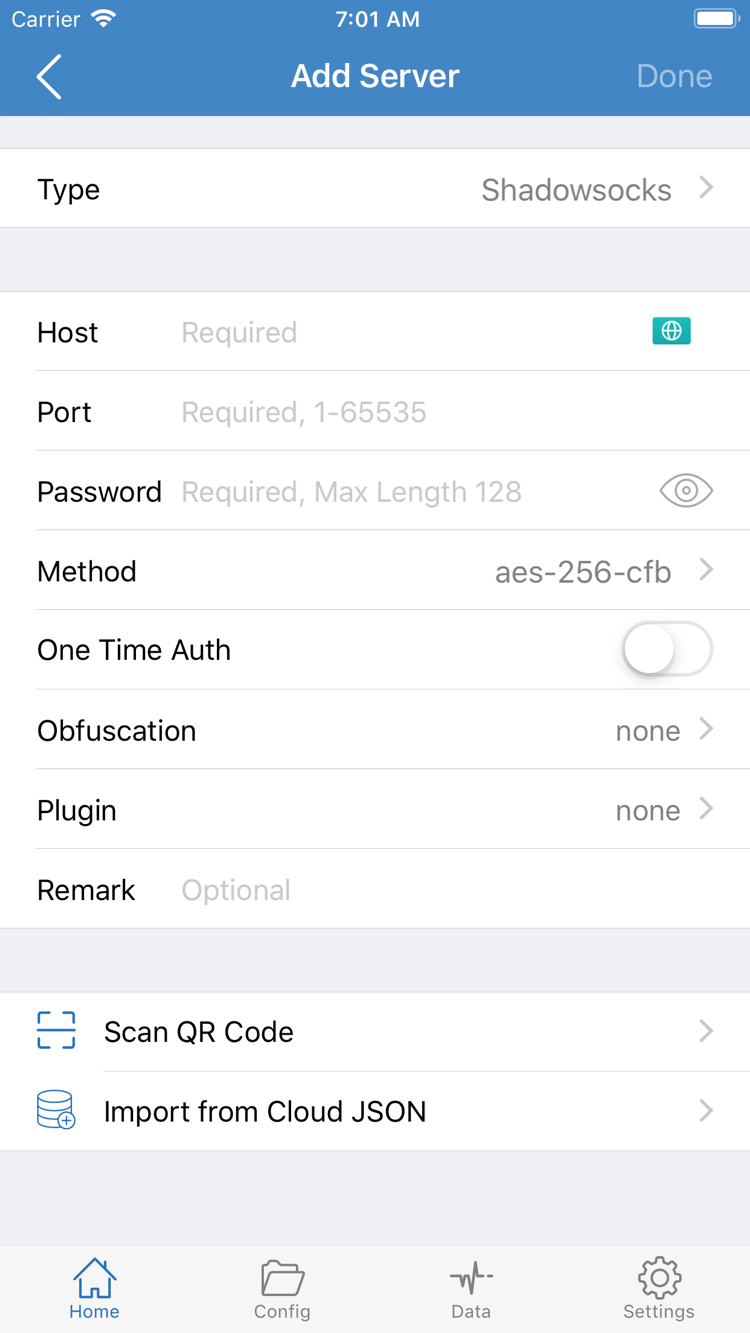
The button above can show a link for your current device. To download an installer for another device, use the platform cards below. Device detection only helps order the links; it does not replace checking the architecture. For Mac in particular, do not infer the chip from browser information. Check About This Mac first, then choose the matching button.
All desktop and Android installers are provided on this site under /dl/shadowrocket/. After downloading, read Installation prompts before opening the file. Installing the app and configuring a connection are separate steps: installation does not provide server details. Prepare your own subscription or server information in advance.
iPhone / iPad
$2.99 one-time. Get Shadowrocket for iPhone / iPad from the App Store; Mac, Windows, Android and Linux are free and downloaded from this site.
System requirements: iOS / iPadOS 13.0 or later; refer to the App Store page for the listed requirements. Open the product page and check compatibility, developer and App ID, then follow the store prompts to purchase and install.
This link is for iPhone and iPad. If the product page says the app is unavailable, check the current store region first. Repeated searches or changing the device language will not change the account's store region.
Mac
Free. Download Mac, Windows, Android and Linux versions from this site; iPhone / iPad costs $2.99 one-time on the App Store.
System requirements: macOS 12 or later. DMG installers are available for Apple Silicon and Intel. Open the downloaded file, move Shadowrocket to Applications, then launch it from that folder.
Not sure which to choose? Open About This Mac and check Chip or Processor. If a system prompt appears on first launch, follow the macOS instructions below; there is no need to try both installers.
Windows
Free. Download Windows, Mac, Android and Linux versions from this site; iPhone / iPad costs $2.99 one-time on the App Store.
Architecture: 64-bit x64; the installer is an EXE. Save it to your computer, then run the installer. Check the system type under System → About in Settings; do not guess the architecture from the computer's appearance.
If SmartScreen appears, confirm the download source first, then see the installation prompt table. Organization-managed computers may have additional restrictions; ask the administrator to confirm installation permissions.
Android
Free. Download Android, Mac, Windows and Linux versions from this site; iPhone / iPad costs $2.99 one-time on the App Store.
Architecture: arm64. The APK installer is suitable for most mainstream Android phones and tablets from recent years. After downloading, open it from the browser's download list and follow the system prompt to allow installation for that browser.
Some built-in browsers may restrict downloads. If prompted, reopen this page in the system browser. Grant installation permission to the browser or file manager that started the installation, rather than enabling permissions for unrelated apps.
Linux
Free. Download Linux, Mac, Windows and Android versions from this site; iPhone / iPad costs $2.99 one-time on the App Store.
Architecture: x86_64. Choose DEB for Debian / Ubuntu, RPM for Fedora / openSUSE, or AppImage for other distributions. The package format and processor architecture must both match your system.
Prefer the package manager suited to your distribution. AppImage requires execute permission; apt can handle DEB dependencies. The filename in any command must match the file you downloaded.